

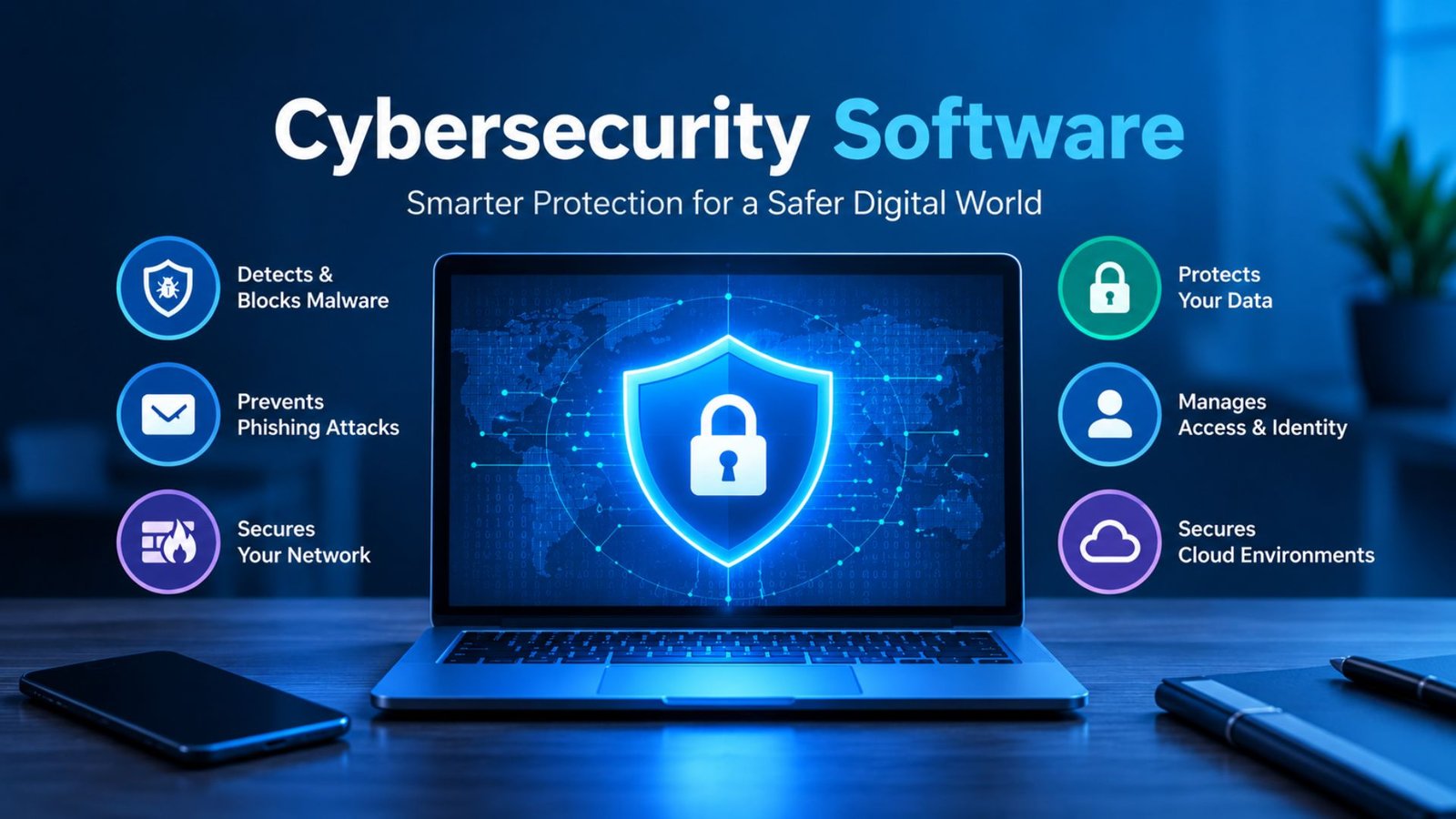
A single stolen password, malicious download, or convincing phishing email can expose private information and disrupt an entire business. The right cybersecurity software helps reduce these risks by detecting threats, blocking suspicious activity, and protecting important files. However, choosing a solution can be confusing because security products offer different features, costs, and levels of protection. This guide explains how cybersecurity software works, compares popular tools, and shows individuals and businesses how to choose protection that fits their needs.
What Is Cybersecurity Software?
Cybersecurity software is a collection of digital tools designed to protect computers, mobile devices, applications, networks, and data from unauthorized access, malware, ransomware, phishing, and other online threats.
Some tools focus on one task, such as antivirus protection. Others combine several security functions into a single platform that monitors devices, identifies suspicious behavior, and helps security teams investigate incidents.
For example, antivirus software may block a malicious file, while endpoint detection and response (EDR) tools can help investigators understand how an attacker entered a device and what happened afterward.
What Are Cybersecurity Software Tools Used For?
Cybersecurity software helps users and organizations:
- Detect and block malicious programs.
- Protect accounts against unauthorized access.
- Identify suspicious network activity.
- Secure sensitive business and customer information.
- Monitor devices for unusual behavior.
- Manage security vulnerabilities and software updates.
- Investigate incidents and support recovery.
The right combination depends on the information being protected, the systems in use, and the consequences of a potential security incident.
How Does Cybersecurity Software Work?
Most security solutions combine prevention, detection, alerts, and response. The exact process varies by product.
- Monitor activity: The software observes files, applications, logins, network connections, or other relevant events.
- Identify threats: Detection engines compare activity with known malicious patterns and suspicious behaviors.
- Block or flag activity: The software may quarantine a file, block a connection, or alert an administrator.
- Investigate incidents: Advanced tools correlate events to help reveal the source and scope of an attack.
- Support recovery: Security teams remove threats, restore affected systems, and improve controls to reduce future risks.
No product catches every attack. Regular updates, secure configurations, reliable backups, multifactor authentication, and user awareness remain essential parts of a complete defense.
Types of Cybersecurity Software You Should Know
Not every security product protects the same thing. Before comparing brands, identify the security problems you need to solve.
1. Antivirus and Anti-Malware Software
Antivirus software detects, blocks, and removes malicious files, spyware, trojans, and other harmful programs. It provides a useful starting point for home computers and office devices.
2. Endpoint Detection and Response (EDR)
EDR monitors computers and other supported devices for suspicious activity. Security teams use it to investigate attacks, isolate affected devices, and coordinate responses.
3. Firewall and Network Security Tools
Firewalls control network traffic, restrict unwanted connections, and help detect suspicious communication between devices and external systems.
4. Email and Phishing Protection
Email security tools help identify fraudulent messages, malicious attachments, dangerous links, and impersonation attempts before they cause damage.
5. Cloud Security Software
Cloud security tools help secure cloud accounts, virtual machines, applications, storage, and configurations across cloud environments.
6. Identity and Access Management
Identity and access management controls who can access systems and sensitive information. Multifactor authentication adds another verification step beyond a password.
7. Security Information and Event Management (SIEM)
SIEM software collects and analyzes security logs from different systems. It helps organizations connect separate alerts and investigate incidents across their networks.
Best Cybersecurity Software: Popular Options Compared
The best cybersecurity software depends on your budget, operating systems, technical skills, and security requirements. The following products are worth evaluating, but they are not a universal ranking. Their capabilities and licensing options differ.
| Software | Best Suited For | Main Features to Evaluate |
|---|---|---|
| Microsoft Defender | Windows users and Microsoft-based organizations | Antivirus protection, endpoint security, integration with Microsoft security services |
| Bitdefender | Home users and businesses | Malware protection, device security, centralized business management |
| CrowdStrike Falcon | Organizations needing advanced threat detection | Endpoint monitoring, investigation, response, threat intelligence |
| SentinelOne Singularity | Security teams seeking automated response | Endpoint detection, behavioral analysis, automated security workflows |
| Cisco Security | Organizations with complex networks | Network protection, security integrations, visibility across connected systems |
| Microsoft Sentinel | Organizations analyzing security logs | SIEM capabilities, threat analytics, incident investigation, automation |
These descriptions identify evaluation areas, not independent test results. Confirm current features, supported devices, licensing, and product availability before purchasing.
How to Choose Between These Options
- For personal devices: Start with reliable antivirus protection, automatic updates, browser security, and multifactor authentication.
- For small businesses: Consider centrally managed endpoint protection, email security, secure backups, and account access controls.
- For large enterprises: Evaluate EDR or extended detection and response (XDR), SIEM, identity security, cloud protection, and incident-response support.
- For regulated industries: Check audit logs, access controls, data-handling requirements, retention policies, and applicable regulations.
What Features Should the Best Cybersecurity Software Include?
A product’s feature list matters only when those features address your actual risks. Review these capabilities before committing to a subscription.
| Feature | What It Does | Why It Matters |
|---|---|---|
| Real-time threat protection | Checks files and activity as they occur | Helps stop threats before they spread |
| Behavioral detection | Flags unusual program or user activity | Can identify suspicious actions beyond known malware signatures |
| Ransomware protection | Detects or blocks certain ransomware behaviors | Helps reduce the risk of file encryption and data loss |
| Automatic updates | Refreshes security intelligence and software | Keeps defenses current |
| Web and email protection | Identifies malicious links and attachments | Reduces phishing and malware risks |
| Endpoint isolation | Restricts a potentially compromised device | Can limit an attack while it is investigated |
| Centralized management | Lets administrators manage security policies | Improves visibility across multiple devices |
| Vulnerability management | Identifies weaknesses in systems and software | Helps teams prioritize fixes |
| Reporting and audit logs | Records security events and actions | Supports investigations and compliance needs |
| Integration support | Connects with existing security tools | Helps teams coordinate alerts and responses |
For business deployments, test how these features work together. A product that generates frequent false alarms or requires constant manual intervention may create more work than a smaller, well-configured security stack.
AI Cybersecurity Software: How Does Artificial Intelligence Help?
AI cybersecurity software uses machine learning, behavioral analysis, automation, or related techniques to help identify threats and support security decisions.
Instead of relying only on lists of known malicious files, some systems examine patterns such as unusual login behavior, unexpected data transfers, or suspicious processes. AI-assisted tools can also group related alerts and help analysts investigate incidents.
Benefits of AI-Powered Security Tools
- Faster detection: Automated analysis can identify suspicious patterns across large volumes of activity.
- Alert prioritization: Security teams can focus on incidents that appear more urgent.
- Response automation: Configured systems may isolate devices or block certain threats automatically.
- Threat investigation: AI assistants can help summarize alerts and explain technical findings.
- Improved visibility: Correlating information from devices, accounts, and networks can reveal connections between events.
What’s the Best AI Cybersecurity Software?
There is no single best option for every user. Microsoft Defender for Endpoint, CrowdStrike Falcon, and SentinelOne Singularity are examples to evaluate when looking for AI-assisted endpoint protection and response.
Before selecting a product, check its supported environments, independent test results, false-positive rates, data privacy controls, human approval options, and ability to explain security decisions.
AI does not guarantee accurate detection. Attackers can adapt, and poorly configured automation can disrupt legitimate work. Keep human oversight for high-impact actions and test response policies before applying them throughout an organization.
Cybersecurity Software for Small Businesses
Small businesses need practical security that protects customer information, financial records, employee accounts, and daily operations without requiring a large IT department.
Cybersecurity software for small businesses should be easy to manage, affordable for the number of users, and capable of providing clear alerts when something goes wrong.
Essential Tools for a Small Business
- Endpoint protection for business computers and laptops.
- Email filtering to reduce phishing and malicious attachments.
- A password manager and multifactor authentication.
- Encrypted, regularly tested backups.
- Firewall protection for office networks.
- Centralized security management when multiple devices need protection.
A small company may not need a full enterprise security platform. Start with the most serious risks, then add advanced monitoring as the business grows.
Top Enterprise Cybersecurity Software
Large organizations often manage thousands of devices, cloud workloads, employee accounts, and business applications. Enterprise cybersecurity software helps security teams monitor these environments and coordinate their response to threats.
Common enterprise security capabilities include:
- Endpoint detection and response: Investigates suspicious activity across supported devices.
- Extended detection and response: Connects security information from endpoints, email, identities, and other supported systems.
- Security information and event management: Analyzes logs from different sources to identify potential incidents.
- Cloud security: Finds risky configurations and protects cloud workloads.
- Identity security: Helps detect compromised accounts and enforce access policies.
- Data loss prevention: Helps prevent unauthorized sharing or movement of sensitive information.
What Should Enterprises Compare?
| Evaluation Area | Questions to Ask |
|---|---|
| Coverage | Does the product support all required operating systems and cloud platforms? |
| Detection | Can it identify suspicious behavior and connect related alerts? |
| Response | Can analysts isolate devices and contain incidents safely? |
| Integration | Does it work with existing identity, network, and monitoring tools? |
| Administration | Can teams manage policies across departments and locations? |
| Compliance | Does it support required logging, reporting, and data-handling controls? |
| Cost | What are the licensing, deployment, training, and ongoing support costs? |
| Scalability | Can the platform support future devices, users, and workloads? |
For enterprises, the most suitable choice often depends on the existing technology stack and the security team’s ability to manage it. A carefully integrated platform can be more useful than purchasing many overlapping products.
Healthcare Cybersecurity Software: Protecting Patient Information
Healthcare organizations manage electronic health records, medical images, appointment systems, connected equipment, and sensitive patient details. A security incident can affect confidentiality, service availability, and patient care.
Healthcare cybersecurity software should support the protection of clinical and administrative systems without unnecessarily interrupting essential services.
Important capabilities include:
- Access controls for patient records.
- Endpoint protection for clinical workstations.
- Email and phishing defense.
- Network monitoring for unusual device activity.
- Secure backups and tested recovery procedures.
- Audit logs and incident reporting.
- Visibility into third-party systems and connected medical devices.
Healthcare providers should assess applicable privacy and security laws, contractual duties, and local regulatory requirements. In the United States, organizations subject to HIPAA must consider the Security Rule’s requirements for protecting electronic protected health information.
Software alone cannot ensure compliance. Policies, staff training, risk assessments, vendor oversight, and tested recovery plans also matter.
Automotive Cybersecurity Software and Connected Vehicles
Modern vehicles rely on electronic control units, embedded software, wireless connections, mobile applications, and over-the-air updates. These technologies create security requirements that extend beyond ordinary desktop antivirus protection.
Automotive cybersecurity software may support:
- Secure software development and code analysis.
- Vulnerability testing for vehicle components.
- Monitoring of connected vehicle services.
- Protection of manufacturing and engineering networks.
- Firmware integrity checks.
- Secure update processes and supplier risk management.
Vehicle manufacturers must evaluate risks across design, production, operation, and maintenance. Security controls should match the vehicle architecture and applicable automotive standards.
For example, protecting an engineering workstation is different from securing an in-vehicle control system. Manufacturers should choose specialized tools that support their hardware, software, and safety requirements.
Industrial Cybersecurity Software for Critical Systems
Factories, utilities, and industrial facilities use operational technology (OT), including programmable logic controllers, industrial sensors, supervisory control and data acquisition (SCADA) systems, and industrial networks.
Industrial cybersecurity software helps organizations monitor these environments, identify unusual communication, and manage vulnerabilities without disrupting essential processes.
Key requirements include:
- Visibility into industrial assets and network connections.
- Detection of unusual control-system activity.
- Careful vulnerability and patch management.
- Network segmentation between business IT and operational systems.
- Secure remote access for suppliers and technicians.
- Incident-response procedures designed around operational safety.
A security update or automated response that works well on an office laptop could interrupt a production line or affect a critical process if applied without testing. Organizations should assess operational risks and validate changes in controlled conditions before deployment.
Cybersecurity Software Development: Building Security Into Applications
Cybersecurity software development involves creating tools and features that identify vulnerabilities, prevent unauthorized access, detect malicious behavior, and support incident response.
A cybersecurity software development company may build endpoint agents, security monitoring dashboards, identity tools, malware detection systems, or cloud security applications.
Effective development practices include:
- Define security requirements before coding.
- Review the application’s architecture and potential attack paths.
- Apply secure coding standards and peer reviews.
- Test dependencies for known vulnerabilities.
- Perform automated and manual security testing.
- Protect source code, build systems, and signing keys.
- Publish updates and provide a process for reporting vulnerabilities.
Development teams should also consider authentication, encryption, logging, access permissions, data retention, and privacy from the beginning.
A security product must protect its own infrastructure as carefully as it protects customers. Weak update mechanisms or exposed administrator accounts can undermine the entire solution.
Cybersecurity Software Market: What Is Driving Demand?
The cybersecurity software market includes products for endpoint protection, cloud security, network monitoring, identity management, application security, and security operations.
Demand reflects several business needs:
- More cloud-based applications and remote access.
- Greater reliance on digital payments and online services.
- Connected devices in homes, factories, and vehicles.
- Increasing ransomware and phishing risks.
- Security requirements from customers, regulators, and business partners.
- The need to monitor increasingly complex technology environments.
The consumer cybersecurity software market serves individuals and households, while enterprise products address larger organizations with more complex systems and administration needs.
Market reports may use different definitions, product categories, and forecast periods. Before citing market-size figures, check the report’s publication date, methodology, geographical coverage, and whether it measures software alone or includes cybersecurity services.
Cybersecurity Software Companies: How to Evaluate Vendors
When comparing cybersecurity software companies, focus on evidence rather than marketing claims.
Review the following before purchasing:
- Independent security test results and their testing dates.
- Supported operating systems, devices, and integrations.
- Product update frequency and vulnerability disclosure practices.
- Data collection, retention, and privacy policies.
- Customer support availability and incident-response services.
- Licensing terms, renewal conditions, and total ownership costs.
- Export options for logs and investigation records.
- Product limitations and known compatibility issues.
Ask vendors for a demonstration using realistic scenarios. For business deployments, conduct a pilot with a limited group of devices before rolling the product out across the organization.
A trustworthy vendor should clearly explain what its software can do, what it cannot do, and which tasks still require human action.
How to Choose the Right Cybersecurity Software
The right choice starts with your risks, not the number of features a product advertises. Use this checklist to compare cybersecurity software before making a purchase.
- Identify the devices, accounts, applications, and data that need protection.
- List your main risks, such as phishing, ransomware, account theft, or cloud misconfiguration.
- Set a realistic budget for subscriptions, setup, training, and support.
- Confirm operating system compatibility and integration requirements.
- Compare independent test results, privacy policies, and vendor support.
- Test the product with a small group before full deployment.
- Enable automatic updates and configure alerts, access controls, and backups.
For an established security program, organizations should assess risks, identify assets, protect systems, detect incidents, respond to attacks, and recover from disruptions.
Common Cybersecurity Software Mistakes to Avoid
Even a well-designed product can provide limited protection when users configure it poorly or ignore security alerts.
Avoid these common mistakes:
- Relying on antivirus alone: Add account protection, secure backups, and email security where needed.
- Ignoring updates: Unpatched applications can leave known weaknesses exposed.
- Buying overlapping products without a plan: Duplicate tools can increase costs and complicate investigations.
- Disabling security alerts: Important warnings may go unnoticed.
- Assuming backups are safe: Test restoration and protect backup accounts from unauthorized access.
- Giving every user administrator privileges: Limit permissions to what each person needs.
- Trusting AI without review: Validate automated actions and investigate suspicious results.
- Skipping recovery planning: Establish clear responsibilities and practice incident-response procedures.
Frequently Asked Questions
1. What Is Cybersecurity Software Used For?
Cybersecurity software protects devices, networks, applications, accounts, and information from digital threats. Depending on the product, it can block malware, detect suspicious activity, prevent unauthorized access, and help investigate security incidents.
2. What Is the Best Cybersecurity Software?
The best choice depends on your requirements. Microsoft Defender is worth evaluating for Microsoft-based environments, while CrowdStrike Falcon and SentinelOne Singularity are options for organizations seeking advanced endpoint detection and response. Compare current features, compatibility, independent test results, and costs before choosing.
3. Is Free Cybersecurity Software Enough?
Free protection can provide a useful starting point for personal devices, especially when combined with automatic updates, multifactor authentication, and safe browsing habits. Businesses with sensitive data, multiple employees, or regulatory obligations may need centralized management and additional security controls.
4. What’s the Best AI Cybersecurity Software?
There is no universally best AI security product. Compare solutions based on detection quality, response automation, supported systems, false-positive rates, privacy controls, and human oversight. Test the product in your own environment before relying on automated responses.
5. Do Small Businesses Need Enterprise Cybersecurity Software?
Not always. Many small businesses can start with managed endpoint protection, email filtering, secure backups, multifactor authentication, and a firewall. Enterprise platforms become more useful when a company needs advanced monitoring, centralized administration, complex integrations, or dedicated security operations.
6. Can Cybersecurity Software Prevent Every Cyberattack?
No. Security tools reduce risk but cannot guarantee complete protection. Attackers may exploit unknown vulnerabilities, stolen credentials, human mistakes, or poorly configured systems. Regular updates, staff training, restricted access, reliable backups, and tested response plans help close these gaps.
Conclusion: Choose Cybersecurity Software That Fits Your Needs
The right cybersecurity software helps protect sensitive information, reduce security risks, and maintain confidence in your digital systems. However, the strongest choice is not necessarily the product with the longest feature list or the highest price.
Start by identifying your most valuable data and the threats most likely to affect you. Compare protection features, compatibility, independent testing, vendor support, and total costs. Then test your chosen solution, configure it correctly, and review its performance regularly.
For individuals, a well-maintained security setup can provide an effective foundation. For businesses, combining endpoint protection, identity security, monitoring, backups, and clear response procedures creates a more complete defense.
Take the next step:
Assess your current security gaps, prioritize the most serious risks, and shortlist products that address them directly. Strong cybersecurity begins with informed decisions and consistent maintenance.
Editorial Note:
This article provides general cybersecurity information, not an independent certification of any vendor. Product capabilities and licensing can change, so verify current details before purchasing. No article can guarantee a Google ranking; performance depends on content quality, competition, technical SEO, site authority, and user needs.
