

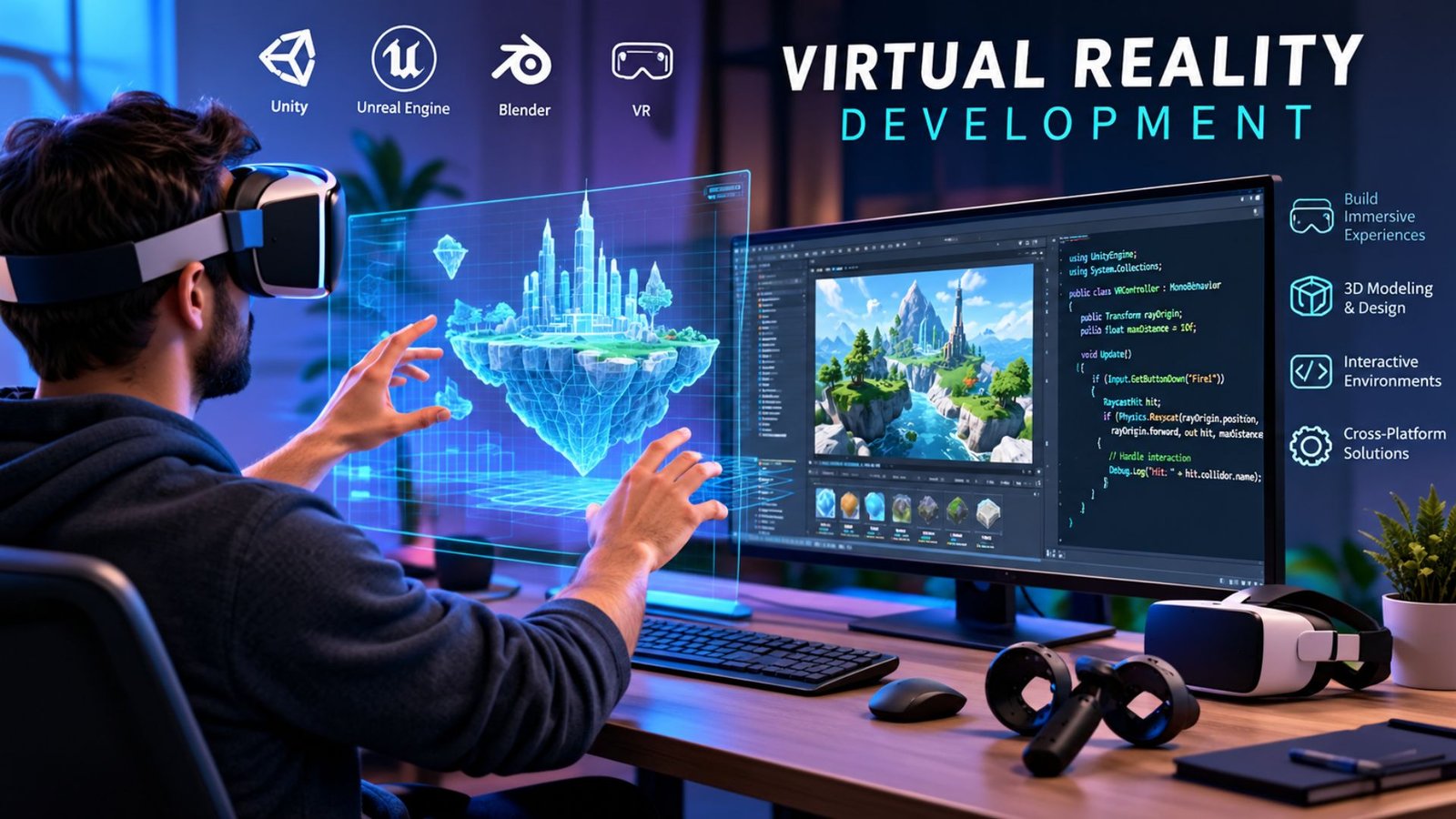
Virtual reality development turns software concepts into interactive 3D experiences that users can explore through head-mounted devices. Unlike traditional applications, VR projects must account for spatial interaction, motion tracking, stereoscopic visuals, user comfort, and hardware performance.
For developers, businesses, and product teams, the challenge is not simply creating a visually impressive virtual environment. A successful VR application needs an appropriate engine, reliable input systems, optimized graphics, intuitive interaction, and a clear purpose. Current development workflows commonly use engines such as Unity or Unreal Engine, with OpenXR helping developers target compatible XR platforms through a common standard.
What Is Virtual Reality Development?
Virtual reality development is the process of designing, programming, testing, and deploying applications that create an immersive computer-generated environment.
A VR application can be a game, training simulation, educational experience, architectural walkthrough, product demonstration, collaborative workspace, or visualization tool. The user typically interacts through a headset and controllers, although modern systems can also support features such as hand tracking and eye tracking.
The development process combines several disciplines:
- 3D modeling and environment design
- Software programming
- User-interface and interaction design
- Spatial audio
- Motion and input tracking
- Performance optimization
- Hardware testing
- Quality assurance
The result should feel responsive and understandable rather than simply looking realistic.
How Does VR App Development Work?
A typical project moves through several stages, although teams may revisit earlier decisions during testing.
1. Define the Experience
Start by identifying the problem the application is intended to solve. A training simulator, entertainment title, and virtual showroom have very different requirements.
Define the target users, supported devices, core interactions, environment, and success criteria before significant development begins. This reduces the risk of spending development time on features that do not improve the experience.
2. Choose an Engine and Development Stack
Unity and Unreal Engine are widely used for immersive applications. Unity provides XR packages and OpenXR support, while Unreal Engine provides dedicated XR workflows and a VR Template for starting projects.
OpenXR is particularly relevant when cross-platform compatibility matters. It is a royalty-free standard designed to provide access to XR platforms and devices through common APIs.
| Development Need | Common Approach | Key Consideration |
|---|---|---|
| Cross-platform XR | OpenXR | Check device-specific extensions |
| 3D environments | Unity or Unreal Engine | Match engine strengths to project needs |
| Interaction | Controllers, hands, gaze | Keep actions discoverable |
| Visual performance | Optimized assets and rendering | Maintain stable frame delivery |
| Testing | Physical target devices | Test comfort and interaction early |
3. Build the Virtual Environment
Artists and developers create the environments, objects, lighting, materials, animations, and spatial audio that form the experience.
Asset quality matters, but polygon counts, textures, lighting, and rendering effects must be balanced against the capabilities of the target headset. A visually complex scene can become impractical if it causes performance problems.
4. Implement Interaction
VR interaction differs from conventional mouse-and-keyboard software. Users may grab objects, point at interfaces, move through environments, use hand gestures, or interact with virtual controls.
Unreal Engine’s VR Template, for example, includes common VR interactions such as grabbing and teleport locomotion.
Interaction should communicate what can be touched, moved, selected, or activated. If users have to guess how something works, even technically sophisticated software can feel frustrating.
💡 Pro Tip:
Build a small interaction prototype before producing the entire environment. Test grabbing, movement, menus, and the primary user action on the target headset first. Fixing an interaction problem in a prototype is usually simpler than redesigning a completed scene.
Essential Technologies for Virtual Reality Development
The technical stack depends on the intended devices and experience.
Game Engines
Unity is commonly used for interactive 3D applications and provides XR packages for supported platforms. Its current documentation describes OpenXR and Meta-specific OpenXR packages for Quest development.
Unreal Engine provides XR development tools, OpenXR integration, templates, and profiling resources. Its documentation also identifies support for multiple head-mounted devices and platforms.
OpenXR
OpenXR can reduce dependence on separate platform-specific APIs when the target hardware supports the standard. However, developers may still need vendor extensions for specialized capabilities.
For example, Unity documents Meta-specific OpenXR functionality for Quest, while Unreal supports OpenXR extension plugins for additional XR features.
Input and Tracking
Modern VR experiences can use motion controllers, hand tracking, eye tracking, or combinations of these technologies. The correct approach depends on the application.
A training application might benefit from precise controller input, while a simple educational experience could use hand interaction. Developers should select interaction methods based on the task rather than adding tracking features simply because the hardware supports them.
Designing for Comfort and Performance
Performance is a core part of VR development because poor responsiveness can negatively affect the experience. Developers need to monitor rendering performance, asset complexity, memory usage, input latency, and device-specific limitations.
Comfort also deserves attention. Teleportation, snap turning, appropriate interface placement, and carefully designed movement systems can help create more comfortable experiences for users who are sensitive to artificial motion.
Testing should happen on the actual target hardware, not only inside an editor or simulator. Unreal’s XR documentation specifically includes performance profiling and optimization resources as part of its development workflow.
Common Challenges Developers Face
VR projects can become difficult when teams underestimate the differences between conventional software and spatial applications.
Common challenges include:
- Supporting multiple headset configurations
- Maintaining consistent performance
- Designing comfortable locomotion
- Creating intuitive 3D interfaces
- Optimizing high-resolution assets
- Handling different tracking capabilities
- Testing physical interactions
- Managing platform-specific features
Cross-platform development can reduce duplicated work, but compatibility should be planned from the beginning. A feature available on one headset may require an extension or alternative implementation on another.
What Makes a VR Project Successful?
Strong virtual reality development begins with a clear user experience rather than technology alone. A useful project gives users a reason to enter the virtual environment and makes the primary task easy to understand.
Keep the first version focused. A smaller application with polished interaction, stable performance, and clear navigation can provide a better foundation than a large project containing numerous unfinished features.
Teams should also establish a testing cycle that includes technical performance, usability, comfort, accessibility, and device compatibility. Feedback from real users can reveal problems that are difficult to identify during development.
📌 Key Takeaway:
Effective VR development is a combination of immersive design, reliable interaction, optimized performance, and careful hardware testing. The engine and tools matter, but the user’s actual experience should guide technical decisions.
Frequently Asked Questions
How long does virtual reality development take?
Project timelines vary considerably. A simple prototype may be produced relatively quickly, while a commercial application with complex environments, multiplayer systems, custom assets, and multiple device targets can require substantially more development time. Scope, team size, technical requirements, testing, and content production all influence the schedule.
Which engine is best for VR development?
There is no single engine that fits every project. Unity and Unreal Engine both provide established XR development workflows. The appropriate choice depends on the team’s experience, target hardware, visual requirements, existing assets, programming needs, and desired deployment platforms. OpenXR support can also influence the architecture of a cross-platform project.
Is coding required for VR development?
Programming is usually required for interactive VR applications, although the amount varies. Developers may use C#, C++, visual scripting, engine tools, and specialized XR packages. Designers and artists can contribute environments, models, animation, audio, and interfaces, while programmers implement application logic and interactions.
Can VR applications work across multiple headsets?
Yes, but compatibility depends on the hardware, engine, APIs, and features being used. OpenXR is designed to support applications across compatible XR platforms, while vendor-specific extensions may still be necessary for certain capabilities. Developers should test every officially supported device rather than assuming identical behavior across headsets.
What skills are useful for a VR developer?
Useful skills include 3D programming, game-engine development, spatial interaction design, optimization, debugging, and familiarity with XR standards. Knowledge of Unity or Unreal Engine, 3D mathematics, rendering concepts, input systems, and user-experience design can provide a strong foundation for building immersive applications.
Conclusion
Virtual reality development requires more than building a three-dimensional environment. Developers need to combine software engineering, spatial design, interaction, performance optimization, and hardware testing to create an experience that users can understand and comfortably operate.
Choosing an appropriate engine and development standard early can simplify the technical foundation, while frequent testing helps identify problems before they become expensive to fix. For teams entering the field, a focused prototype is often the most practical starting point: prove the core interaction, validate the target hardware, and then expand the experience around what users actually need.

1 Comment
Pingback: Healthtech News: Key Trends Shaping Healthcare in 2026- QuantumRun