

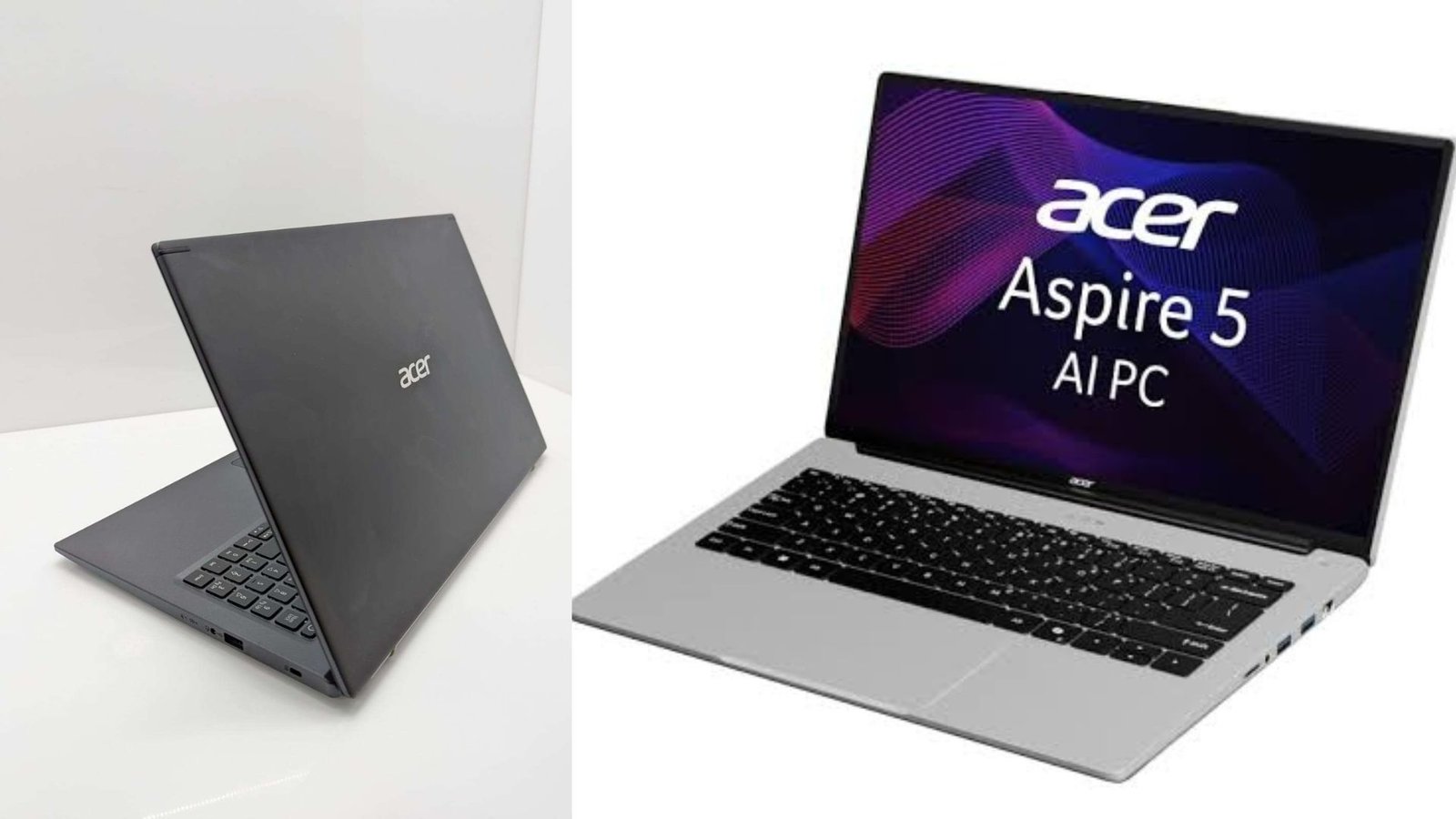
The Acer Aspire 5 is a mainstream laptop series built for users who need reliable performance for everyday computing without moving into expensive premium devices. It is commonly considered by students, professionals, home users, and small business owners because it offers a practical balance between speed, portability, features, and affordability.
People searching for the Acer Aspire 5 usually want to know if it is powerful enough for work, study, entertainment, and multitasking. The answer depends on the exact configuration because Acer offers this series with different processors, memory capacities, storage options, and display specifications.
A well-chosen model can handle daily productivity tasks comfortably, while users with demanding workloads should carefully evaluate hardware specifications before buying. This guide explains the laptop’s strengths, limitations, ideal users, and important factors to consider.
Understanding the Acer Aspire 5 Laptop Series
The Aspire 5 lineup is positioned between entry-level laptops and premium ultrabooks. It focuses on delivering useful features at a reasonable price rather than competing with high-performance gaming machines or professional workstations.
Over different generations, Acer has introduced models featuring Intel Core and AMD Ryzen processors, fast SSD storage, Full HD displays, and modern connectivity options. These improvements have helped the series remain relevant for users who need a dependable computer for everyday activities.
The main purpose of this laptop family is versatility. It is designed to support common tasks such as:
- Writing documents and creating presentations
- Online learning and video conferencing
- Web browsing with multiple tabs
- Watching movies and streaming content
- Managing business applications
- Basic photo editing and content creation
For many users, this level of performance is more valuable than paying extra for features they may never use.
Performance and Hardware Capabilities
Performance varies significantly depending on the processor, RAM, storage, and graphics configuration. A model with a newer processor and sufficient memory will provide a noticeably better experience compared with an entry-level version.
| Component | Details to Consider |
|---|---|
| Processor | Intel Core or AMD Ryzen options provide different performance levels for everyday and advanced workloads |
| RAM | More memory improves multitasking and helps with demanding applications |
| Storage | SSD storage improves startup speed, file access, and overall responsiveness |
| Display | Full HD screens are common, but brightness and color quality vary by model |
| Graphics | Integrated graphics suit everyday tasks, while dedicated graphics may support heavier workloads |
For office applications, browsing, online meetings, and general productivity, most configurations perform well. Users who regularly work with professional video editing, complex design software, or advanced gaming should compare graphics performance before choosing a model.
The SSD storage found in many versions is one of the biggest improvements compared with older laptop designs. Faster storage helps reduce loading times and makes the operating system feel more responsive during everyday use.
Design and Build Quality
The design philosophy of the Aspire 5 series focuses on practicality. It is not marketed as an ultra-premium laptop, but it generally provides a professional appearance suitable for classrooms, offices, and home environments.
The keyboard layout is designed for productivity, making it comfortable for extended typing sessions. Many models include a numeric keypad depending on screen size, which can be useful for spreadsheet work and financial tasks.
Port selection is another advantage. Depending on the generation, users can find options such as USB ports, HDMI output, audio connections, and wireless connectivity features. Having multiple connection options makes the laptop more flexible for everyday use.
Portability is also an important factor. While it may not be the lightest laptop available, it offers a reasonable balance between screen size and mobility.
Display Experience and Multimedia Use
The screen quality depends on the specific Acer Aspire 5 model. Many versions feature Full HD resolution, which provides clearer text and sharper images compared with lower-resolution displays.
A good display is especially helpful for:
- Reading documents
- Attending online classes
- Watching videos
- Editing basic images
- Working with multiple windows
However, creative professionals who require highly accurate colors for photography, graphic design, or professional video production should examine display specifications carefully. Not every configuration is designed for color-critical work.
For entertainment purposes, the laptop provides a comfortable experience for streaming videos, browsing social media, and casual multimedia use.
Who Should Consider Buying It?
The Acer Aspire 5 is suitable for a wide range of everyday users. It works particularly well for people who want a dependable laptop without unnecessary premium features.
Good candidates include:
- Students needing a laptop for assignments, research, and online classes
- Employees working with documents, communication tools, and business software
- Freelancers managing websites, writing projects, and basic creative tasks
- Families needing a shared home computer
- Small businesses looking for affordable office equipment
However, users with specialized requirements may need a different category of laptop. Gamers, engineers using heavy simulation software, and professionals working with intensive creative applications should prioritize stronger hardware.
💡 Pro Tip
Always check the full model number before purchasing. Retailers often use similar names for different configurations, and small differences in RAM, processor generation, and display quality can significantly affect the overall experience.
Important Buying Considerations
Choosing the right configuration is more important than simply selecting the laptop series. Before purchasing, consider how you plan to use the device.
Processor Selection
The processor affects speed, multitasking ability, and long-term usability. Users who only browse the web and create documents may not need the most powerful option, while professionals handling larger workloads should consider higher-performance processors.
Memory Requirements
RAM plays an important role in smooth multitasking. If you frequently keep many browser tabs open while running multiple programs, additional memory can improve your experience.
Storage Needs
An SSD is strongly recommended because it improves system responsiveness. Users who store large files, videos, or software projects should choose storage capacity carefully.
Battery Expectations
Battery life depends on screen brightness, workload, processor efficiency, and power settings. Light tasks generally provide longer usage compared with intensive applications.
Advantages and Limitations
Like any laptop, the Aspire 5 series has strengths and weaknesses.
Advantages:
- Good balance between price and performance
- Suitable for everyday productivity
- Multiple configuration choices
- Practical design for work and study
- Fast SSD storage options
Limitations:
- Performance varies widely between models
- Not designed primarily for demanding gaming
- Display quality differs across versions
- Premium features may be limited compared with higher-priced laptops
📌 Key Takeaway
The Acer Aspire 5 is a flexible everyday laptop that offers strong value when matched with the right configuration. Instead of focusing only on price, buyers should compare processor performance, memory, storage, and display quality to find the version that fits their workload.
Conclusion
The Acer Aspire 5 remains a popular choice because it delivers the features most users actually need: reliable performance, useful connectivity, comfortable usability, and flexible hardware options.
For students, office workers, and everyday users, it can be an excellent value when the selected configuration matches their requirements. Buyers should focus on specifications rather than only the product name to ensure they choose a model that will continue meeting their needs over time.
Frequently Asked Questions
Is Acer Aspire 5 good for everyday use?
Yes, the series is designed for everyday computing such as browsing, office work, online learning, entertainment, and communication. A model with adequate RAM and SSD storage can provide a smooth experience for most general users.
Can Acer Aspire 5 run Microsoft Office and productivity software?
Most configurations can handle Microsoft Office applications, including Word, Excel, PowerPoint, and Teams. Users working with large spreadsheets or advanced business applications should consider models with stronger processors and more memory.
Is this laptop suitable for programming?
Many versions are suitable for programming, web development, and learning software development. Developers working with large projects, virtual machines, or advanced development environments should select a configuration with higher RAM and processing power.
How long can this laptop last?
The lifespan depends on usage, maintenance, hardware configuration, and build quality. Choosing a model with sufficient performance headroom can help it remain useful for a longer period.
Should I buy Acer Aspire 5 or a premium laptop?
The right choice depends on your priorities. The Aspire 5 is aimed at practical value, while premium laptops usually provide advantages in areas such as materials, display quality, portability, and advanced performance.

1 Comment
Pingback: Best Android Emulator: Top Choices for PC Gaming and Apps- QuantumRun